- TC4 titanium alloy withstands 1,668°C—survives house fires and most disasters
- Supports full 24-word seed plus optional passphrase slots
- More compact and corrosion-resistant than steel alternatives like Billfodl
🔐 Get 10% off OneKey — readers-only link
The link below auto-applies a 10% discount at checkout. Free worldwide shipping on orders over $89.
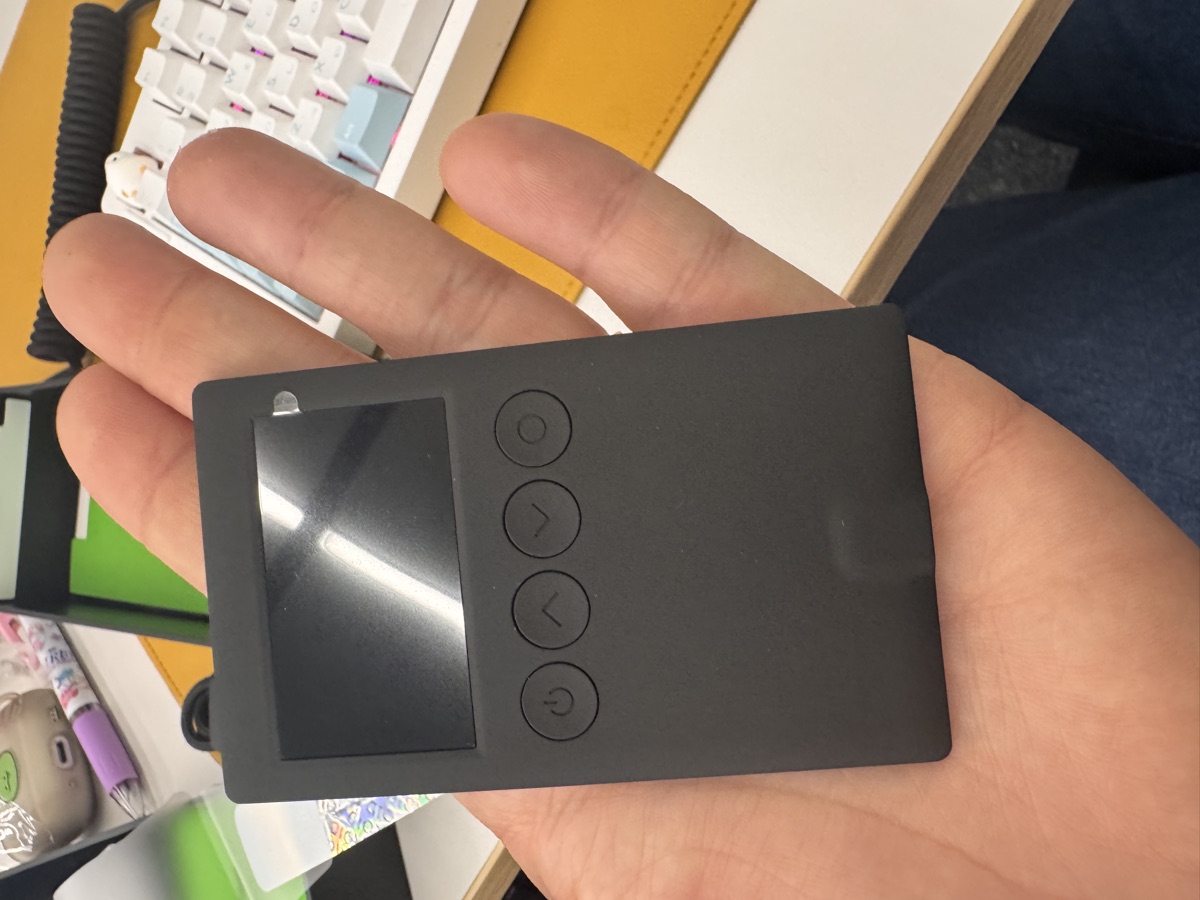
I lost a paper seed phrase backup once. Not to hackers or thieves—to a leaky pipe in my closet. The ink ran, the paper dissolved, and I spent three hours in a cold sweat recovering funds from a secondary backup I’d almost forgotten about. That experience convinced me: paper is not a long-term solution.
So I’ve been testing metal seed storage options, and the OneKey KeyTag has been sitting on my desk for the past month. Here’s what I found.
What Is the KeyTag and Why Does It Exist?
The KeyTag is OneKey’s answer to a simple problem: your 24-word seed phrase is the master key to your crypto. Lose it, and you lose everything. Store it wrong, and you’re one house fire, flood, or curious family member away from disaster.
The KeyTag is a set of titanium plates designed to store your recovery words permanently. You punch letters into the metal using the included tools, creating a backup that can survive conditions that would destroy paper, laminated cards, or even most steel products.
The core specs:
- Material: TC4 titanium alloy (Grade 5, same as aerospace and medical implants)
- Melting point: 1,668°C (3,034°F)—well above typical house fire temperatures of 600-800°C
- Capacity: 24 words plus optional passphrase slots
- Corrosion resistance: Immune to saltwater, acids, and oxidation
- Size: Compact enough to fit in a small safe or safety deposit box
OneKey sells this as a companion to their hardware wallets, but it works with any BIP-39 compatible wallet—Ledger, Trezor, or software wallets like Electrum.
The Punching Process: Tedious But Satisfying
Let’s be honest: stamping 96 letters (4 letters × 24 words) into titanium takes time. My first complete backup took about 45 minutes, and I made two mistakes that required me to restart a plate.
The kit includes a stamping jig that holds the plate steady and guides letter placement. It works, but you need a solid surface and a decent hammer. I used a rubber mallet on a concrete floor—a wooden desk would probably annoy your neighbors and might not provide enough resistance.
A few tips from my experience:
- Stamp the first four letters only. BIP-39 is designed so that the first four characters uniquely identify each word. No need to punch the entire word.
- Go slow on the first plate. Once you understand the pressure needed, subsequent plates go faster.
- Double-check before stamping. Unlike writing, you can’t erase titanium. I used a pencil to lightly mark positions first.
- Consider the passphrase slots. If you use a 25th word (passphrase), the KeyTag has dedicated space for it. Think carefully about whether you want this on the same backup or stored separately.
The result is deeply satisfying. The letters are crisp, permanent, and won’t fade or smudge. Short of someone melting the plate in an industrial furnace, your words are safe.
KeyTag vs. the Competition
I’ve also used Billfodl and looked closely at Cryptosteel. Here’s how they compare:
| Feature | OneKey KeyTag | Billfodl | Cryptosteel Capsule |
|---|---|---|---|
| Material | TC4 Titanium | 316 Stainless Steel | 316 Stainless Steel |
| Melting Point | 1,668°C | ~1,400°C | ~1,400°C |
| Method | Letter stamping | Sliding tiles | Sliding tiles |
| Passphrase Support | Yes (dedicated slots) | No (requires second unit) | No |
| Corrosion Resistance | Excellent | Good | Good |
| Setup Time | 30-60 min | 15-20 min | 15-20 min |
| Portability | Excellent | Good | Excellent |
| Price | ~$50-60 | ~$80-100 | ~$80-100 |
The tile-based systems (Billfodl, Cryptosteel) are faster to set up because you’re sliding pre-made letter tiles into slots rather than punching. But they have failure modes: tiles can potentially shift or fall out if the device is damaged or opened incorrectly. Stamped metal has no moving parts.
The titanium advantage matters if you’re genuinely worried about fire. Standard house fires burn at 600-800°C, so steel products will survive. But garage fires with fuel, electrical fires with sustained heat, or industrial accidents can exceed 1,200°C. Titanium gives you more margin.
If you’re pairing this with a OneKey hardware wallet, the 10% discount makes the KeyTag a reasonable add-on purchase. The Classic 1S at $99 with EAL6+ security and support for 100+ chains is already competitive, and bundling the KeyTag for backup makes sense.
The OneKey Ecosystem Context
The KeyTag is designed to complement OneKey’s hardware wallets, so a quick overview:
OneKey Classic 1S ($99): Entry-level hardware wallet with EAL6+ secure element, Bluetooth connectivity, and support for 30,000+ tokens across 100+ chains. Co-branded versions exist from Binance, OKX, Bybit, and Bitget—same hardware, different logos.
OneKey Classic 1S Pure ($79): USB-C only, no battery. For users who don’t want Bluetooth or prefer simpler attack surfaces.
OneKey Pro ($278): Premium option with 4× EAL6+ chips, fingerprint authentication, air-gapped QR code transactions, and a 3.5-inch touchscreen. Overkill for most users, but serious cold storage enthusiasts appreciate the air-gap capability.
Any of these pairs well with the KeyTag. The general security principle: your hardware wallet protects day-to-day transactions, while your metal backup ensures long-term recovery. Both matter.
With the 10% discount link, you can bundle hardware and backup together at a reasonable price point.
Limitations and Honest Concerns
No product is perfect. Here’s what gave me pause:
Setup requires physical security. You’re stamping your seed phrase in plain text. Do this in a private location, ideally alone. I did mine in my apartment with curtains drawn, which felt slightly paranoid but appropriate.
No tamper evidence. Unlike some products with serialized seals, the KeyTag doesn’t tell you if someone accessed it. If you’re storing this somewhere others might access, consider additional tamper-evident measures (sealed envelope, numbered seals, etc.).
Single point of failure remains. Metal backup solves durability, not distribution. You still need to think about geographic redundancy—keeping your only backup in the same location as your hardware wallet defeats half the purpose.
The stamping can be imprecise. My letters are legible but not beautiful. If you have poor fine motor control or limited hand strength, the tile-based alternatives might be more accessible.
FAQ
Q: Can I use the KeyTag with wallets other than OneKey?
A: Yes. The KeyTag stores BIP-39 seed phrases, which are the standard used by Ledger, Trezor, Exodus, Electrum, and virtually every modern cryptocurrency wallet. Your 24 words work the same regardless of which wallet generated them.
Q: What happens if I make a mistake while stamping?
A: You can’t undo a stamped letter. Minor errors (wrong letter depth, slight position offset) are usually still readable. Major errors (wrong word entirely) mean you need a replacement plate. OneKey sells individual plates, or you can start with a fresh kit. Go slowly and verify before each stamp.
Q: Should I store my passphrase on the same KeyTag as my seed words?
A: This is a personal security decision. Storing them together is convenient but means anyone who finds your KeyTag has complete access. Storing them separately adds protection but increases complexity and the risk of losing one piece. I keep mine separate, with the passphrase in a different physical location.
Final Verdict
The OneKey KeyTag does exactly what it promises: permanent, fire-resistant, corrosion-proof storage for your seed phrase. The stamping process requires patience, but the result is a backup that will outlast you.
Is it necessary? If you’re holding meaningful amounts of crypto long-term, yes. Paper fails. Memory fails. Metal endures.
Is it the best option? For fire resistance and long-term durability, titanium beats steel. For setup speed, tile-based products win. For price-to-protection ratio with the 10% discount, the KeyTag is competitive.
My recommendation: if you’re serious about self-custody and plan to hold for years, get a metal backup. The KeyTag is a solid choice, especially if you’re already in the OneKey ecosystem or prioritize maximum fire resistance. Just budget an hour for setup, find a quiet space, and take your time. Your future self will thank you.
🔐 Get 10% off OneKey — readers-only link
The link below auto-applies a 10% discount at checkout. Free worldwide shipping on orders over $89.
Disclosure: This post contains affiliate links. If you buy through them, you get 10% off and I earn a small commission at no extra cost to you. I only recommend products I actually use.
Did you find this helpful?
Your support keeps this blog running and ad-free content coming.
☕ Buy me a coffeeMost Popular Posts
- Custom Metaclass in Python: 43% Faster Validation (13,004 views)
- yfinance Alternatives 2026: 7 Free APIs Compared (1,126 views)
- Python match-case: 7 Patterns That Beat if-elif Chains (1,017 views)
- YOLOv8 INT8 Quantization: 4x Faster on Jetson Orin (919 views)
- PaddleOCR vs EasyOCR vs Tesseract: Why PaddleOCR Is Slower (761 views)