- Air-gapped signing eliminates physical connection attack vectors by using QR codes to transfer transaction data
- OneKey Pro implements true air-gap isolation with 4x EAL6+ secure chips and camera-based transaction approval
- Trade-offs include slower UX and higher cost ($278), but meaningful security gains for high-value holdings
🔐 Get 10% off OneKey — readers-only link
The link below auto-applies a 10% discount at checkout. Free worldwide shipping on orders over $89.
Air-Gapped Signing via QR Codes: The Most Secure Way to Sign Transactions
I’ve been using hardware wallets for years, and the paranoia never really goes away. Every time I plug a device into my laptop, there’s that tiny voice asking: “What if the USB controller is compromised?” Air-gapped signing via QR codes solves this problem completely—no cables, no Bluetooth, no physical connection at all.
What Air-Gapping Actually Means
Air-gapping is a security practice where a device is physically isolated from all networks and direct connections. In crypto, this means your signing device never touches your computer via USB, Bluetooth, or any other data transfer method.
Here’s the workflow:
- Your hot wallet (MetaMask, Rabby, etc.) creates an unsigned transaction on your computer
- The unsigned transaction is displayed as a QR code on your screen
- Your air-gapped hardware wallet scans the QR code with its camera
- You review and approve the transaction on the hardware wallet’s screen
- The wallet signs it and displays the signed transaction as a QR code
- Your computer’s webcam scans this QR code and broadcasts the transaction
No cables. No wireless protocols. Just optical data transfer that’s physically one-directional.
Why QR Codes Beat USB and Bluetooth
Let me be clear: USB and Bluetooth hardware wallets are still vastly better than hot wallets. But they have attack surfaces that air-gapped devices don’t.
Attack Surface Comparison
| Attack Vector | USB Wallets | Bluetooth Wallets | Air-Gapped QR |
|---|---|---|---|
| Malicious firmware injection via cable | Possible | N/A | Impossible |
| Supply chain attacks on connectors | Possible | N/A | Impossible |
| Wireless protocol exploits | N/A | Possible | Impossible |
| Man-in-the-middle during pairing | N/A | Possible | Impossible |
| Compromised host extracting data | Mitigated | Mitigated | Impossible |
| Physical tampering detection | Limited | Limited | Camera verifies |
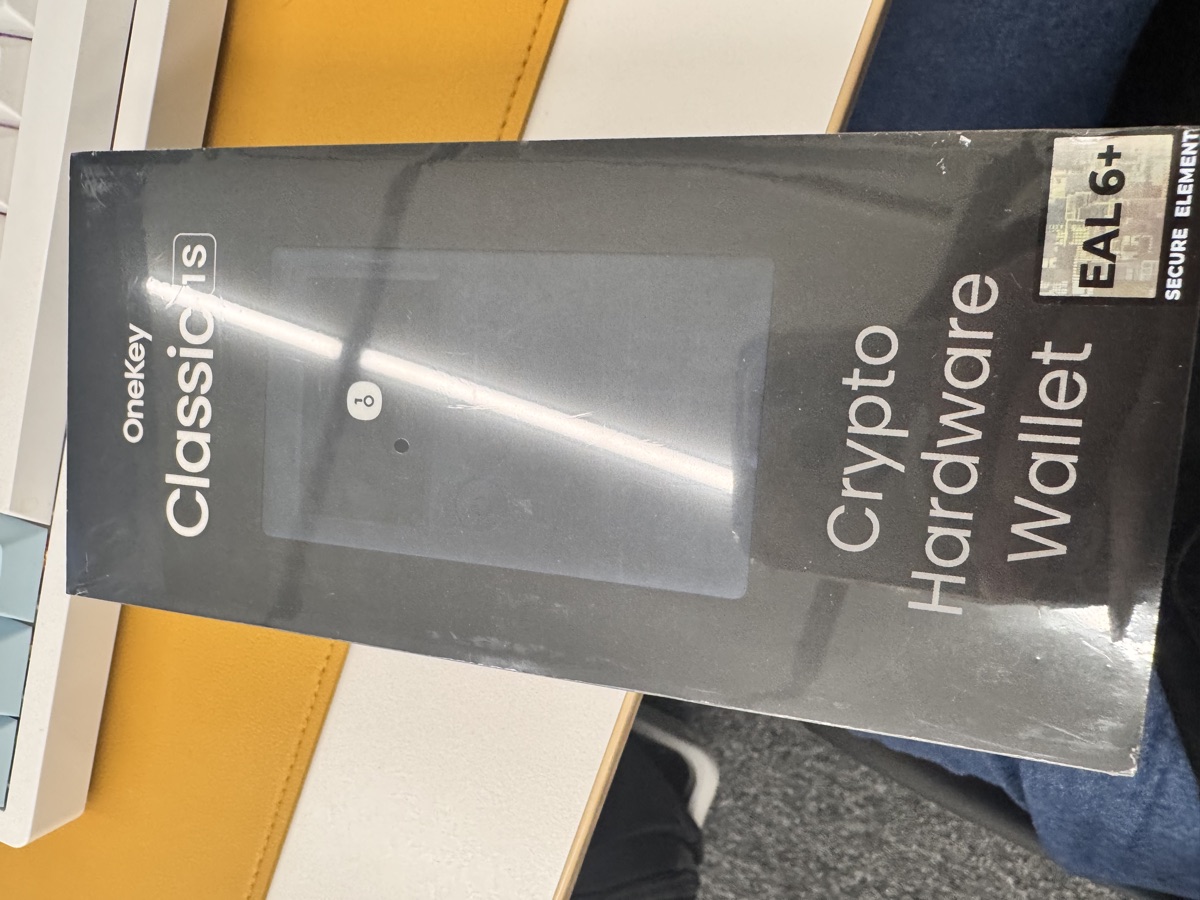
The OneKey Classic 1S ($99, use this link for 10% off) is an excellent Bluetooth wallet with an EAL6+ secure element. It’s co-branded by Binance, OKX, Bybit, and Bitget, and supports 100+ chains with 30,000+ tokens. For most users, this is more than enough security.
But if you’re holding six or seven figures in crypto, or you’re a target for sophisticated attacks, the OneKey Pro’s air-gap design makes more sense.
How OneKey Pro Implements Air-Gapped Signing
The OneKey Pro ($278 with the 10% discount) is one of the few consumer hardware wallets with true air-gap capability. Here’s what sets it apart:
- 4x EAL6+ secure elements: Not just one chip, but four independent secure elements for redundancy
- 3.5-inch touchscreen: Large enough to actually read contract addresses and transaction details
- Built-in camera: Scans QR codes from your computer screen
- Fingerprint sensor: Biometric authentication instead of PIN-only
- No wireless radios: Literally no Bluetooth or WiFi hardware to exploit
In practice, using it feels slower than plugging in a USB wallet. Each transaction requires:
- Generating a QR code on your computer
- Holding the OneKey Pro up to scan it
- Reviewing the transaction on the device
- Holding your computer’s webcam up to scan the signed transaction QR
This takes 15-30 seconds per transaction instead of 3-5 seconds. But that friction is the point—it forces you to actually look at what you’re signing.
Realistic Use Cases and Threat Models
Air-gapped signing isn’t for everyone. Here’s when it actually matters:
When Air-Gap Makes Sense
- High-value cold storage: If you’re holding $100K+ and rarely transact, the UX trade-off is worth it
- DeFi protocol interactions: Approving complex smart contract calls where you need to verify every parameter
- Multi-sig signers: If you’re one signer in a DAO treasury or company wallet
- Targeted individuals: Public figures, protocol founders, or anyone with known holdings
- Regulatory compliance: Some jurisdictions require air-gapped signing for institutional custody
When It’s Overkill
- Daily DeFi trading: The UX friction will drive you insane
- Small portfolios: If you’re holding <$10K, a standard hardware wallet is fine
- NFT minting: Rapid-fire transactions don’t work well with QR workflows
- Mobile-first users: Air-gap works best with desktop setups
I personally use a Classic 1S Pure ($79, USB-C only, no battery) for day-to-day transactions and keep the Pro for long-term holdings. The Pure is great for frequent use—just plug it in, sign, unplug. No battery to maintain, and the price is reasonable.
The Actual Threat Model
Let’s be honest about what air-gapping protects against:
It DOES protect you from:
– Compromised USB controllers on your laptop
– Malicious cables (yes, they exist)
– Bluetooth MITM attacks
– Firmware implants via data connections
It does NOT protect you from:
– Phishing attacks (you still need to verify transaction details)
– Compromised hot wallet software (garbage in, garbage out)
– Physical theft of the device (though fingerprint helps)
– Supply chain attacks on the hardware wallet itself
– Your own mistakes in verifying addresses
The OneKey Pro’s 3.5-inch screen helps with that last point. You can actually read full contract addresses and function calls, not just the first and last few characters.
FAQ
Q: Can I use air-gapped signing with mobile wallets?
A: Technically yes, but it’s awkward. You’d need to display QR codes on your phone screen and scan them with the hardware wallet, then use your phone’s camera to scan the response. Desktop workflows are much smoother.
Q: How does air-gap signing work with DeFi protocols that require multiple approvals?
A: Each approval (token allowance, swap execution, etc.) requires a separate QR scan cycle. This is where the UX cost really adds up. For protocols like Uniswap or Aave, expect 2-3 QR scans per interaction. It’s slow but thorough.
Q: Is the 10% discount link legit?
A: Yes, https://onekey.so/r/FLUVPB/shop is an official referral link. You get 10% off any OneKey device, and I get a small commission. I bought my own devices before I had this link, for what it’s worth.
Conclusion: Worth It for the Right User
Air-gapped signing via QR codes is not a marketing gimmick—it’s a real security improvement over USB and Bluetooth wallets. The attack surface reduction is measurable and meaningful.
But it comes with costs: slower transactions, higher device price, and a learning curve for QR-based workflows.
My recommendation: if you’re holding significant value in crypto (>$50K) or you’re a target for sophisticated attacks, the OneKey Pro is worth the $278 (less with the discount). The 4x EAL6+ chips, fingerprint sensor, and true air-gap isolation justify the premium.
For everyone else, the Classic 1S or Classic 1S Pure offer excellent security at $99 and $79 respectively. You’re still miles ahead of software wallets, and the UX is far more practical for daily use.
The best hardware wallet is the one you’ll actually use correctly. Air-gapped signing is the most secure option—but only if you’re willing to tolerate the friction.
🔐 Get 10% off OneKey — readers-only link
The link below auto-applies a 10% discount at checkout. Free worldwide shipping on orders over $89.
Disclosure: This post contains affiliate links. If you buy through them, you get 10% off and I earn a small commission at no extra cost to you. I only recommend products I actually use.
Did you find this helpful?
Your support keeps this blog running and ad-free content coming.
☕ Buy me a coffeeMost Popular Posts
- Custom Metaclass in Python: 43% Faster Validation (12,937 views)
- yfinance Alternatives 2026: 7 Free APIs Compared (1,003 views)
- Python match-case: 7 Patterns That Beat if-elif Chains (977 views)
- YOLOv8 INT8 Quantization: 4x Faster on Jetson Orin (878 views)
- PaddleOCR vs EasyOCR vs Tesseract: Why PaddleOCR Is Slower (692 views)